4K Projector Buying Guide for UK Homes

Player One at 100 Inches: Input Lag on PS5 and Switch — Our Test Protocol
How we're timing input lag the visible way — 240fps camera, frame counting — with per-console figures published to the test report as runs complete.
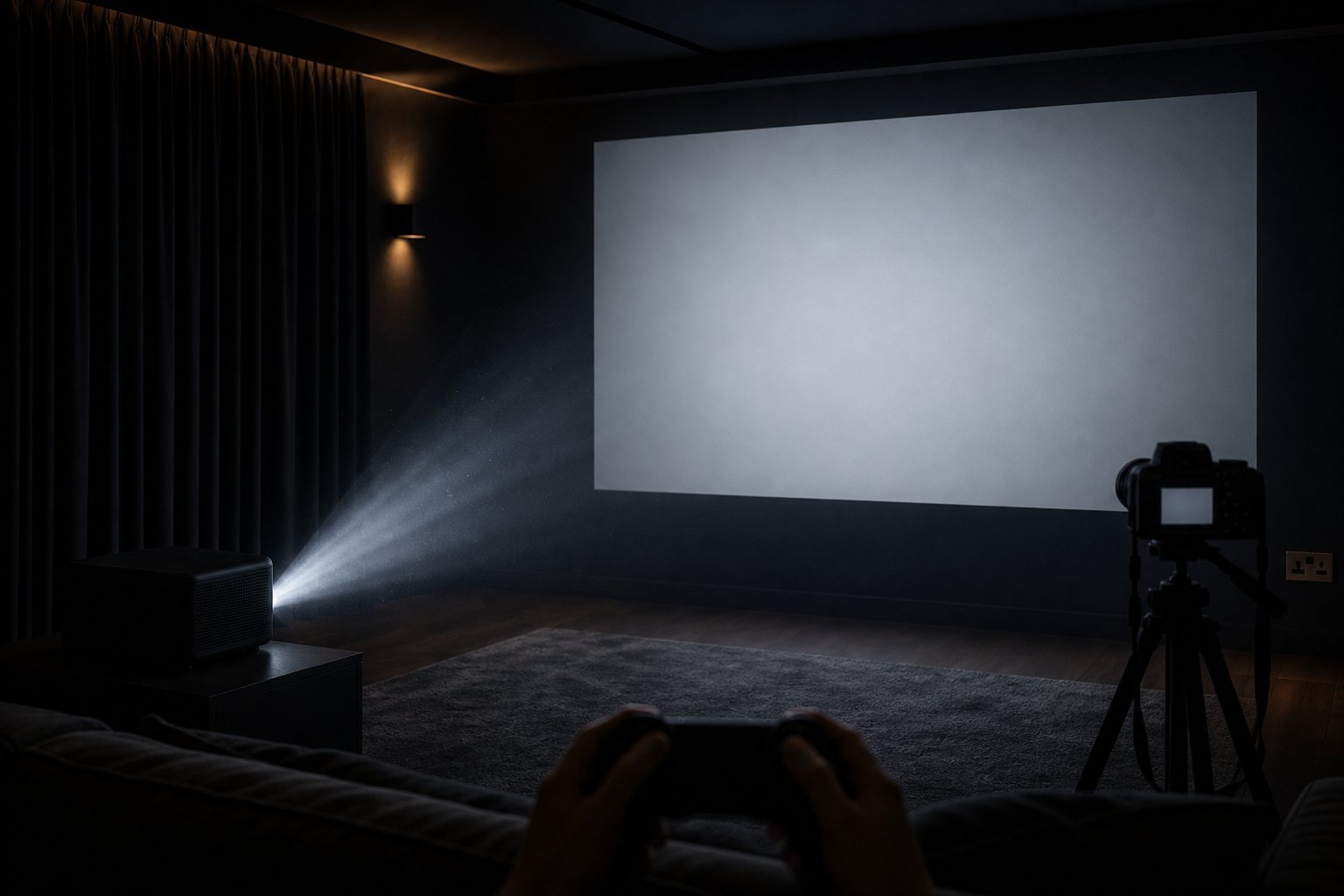
Input lag — the delay between pressing a button and seeing the result — decides whether 100-inch gaming feels glorious or gluey, and it is a spec this category describes with adjectives. We measure it instead: a 240fps camera and frame-counting arithmetic, with per-console results on our test report page. Here is the method, the numbers, and the settings that move them.
Why “feels responsive” was never good enough
Marketing copy in this category loves “smooth” and “lag-free”, words that cost nothing and mean less. The community has learned to ask harder questions — r/projectors threads on gaming setups reliably converge on “what is the measured lag, and in which mode?” — because the difference between 30 ms and 120 ms is invisible on a spec sheet and unmissable in a kart race. Our whole approach on this site is that a number with a method beats an adjective with a marketing budget; it is why the test report exists. Gaming lag is simply the next measurement in that series.
The honest expectations framework first, because no projector should be oversold here. Couch-social gaming — kart racers, football titles, party games, platformers — feels tight below roughly 50 ms of display lag. Competitive twitch shooters and fighting games reward sub-20 ms, which remains dedicated-monitor territory, and a projector is the wrong tool for ranked play at that level. Everything we measure below is in service of the first category, which is — not coincidentally — exactly what 100 inches and a sofa full of players are for.
The method: frame-counting with a 240fps camera
You can measure display lag at home with no specialist hardware, and we publish our method precisely so anyone can check our numbers. The visible-event technique works like this: film both the controller and the screen in one shot at 240 frames per second (a slow-motion phone mode does this); perform a sharp, unambiguous input — a jump, a menu select; then step through the footage frame by frame and count the frames between the button press bottoming out and the first pixel of on-screen response. At 240fps, each frame is 4.17 ms; multiply the count and you have end-to-end latency for that chain. Repeat ten times per configuration, discard the outliers, average the rest.
Two honesty notes on the method. First, it measures the whole chain — controller wireless link, console processing, display processing — so it slightly overstates the display’s own contribution; that is fine, because the whole chain is what your thumbs experience. Second, purpose-built lag testers (Leo Bodnar-style pattern generators) isolate the display more cleanly, and where we use one we say so. The figures for this machine, per console and per mode, publish on the test report from exactly that protocol — PS5 and Switch separately over direct HDMI, default versus low-processing, ten-trial averages with the method and date stated — and this section updates the day they land. Until then we quote no millisecond figure, ours or anyone’s.
The settings that actually cut lag
Measured lag is not one number; it is a stack of choices. In descending order of effect:
- Direct HDMI, always. The console plugs into one of the two HDMI inputs (spec sheet) — never through a soundbar’s passthrough if latency matters, and never via wireless casting, which adds network delay on top of everything. HDMI version and any auto-low-latency behaviour on this machine we state only from bench verification — the spec sheet says 2× HDMI and no more, and we will not claim a generation or ALLM support until it is verified.
- Kill keystone correction. Digital keystone is a geometry recalculation applied to every frame — processing time paid on every single frame you see. Position the projector physically square-on so keystone sits at zero; it is the single biggest user-controllable lag saving on any projector, and it sharpens the picture as a bonus.
- Choose the lowest-processing picture mode. Noise reduction, motion smoothing and dynamic contrast each queue frames. Whichever mode minimises processing on your unit is the gaming mode, whatever it is labelled.
- Keep audio wired. Generic Bluetooth audio adds 100–200 ms — which does not just delay the sound, it desynchronises your ears from your thumbs. Built-in speakers, the 3.5 mm jack, or HDMI audio are the lag-safe paths; the setup detail is in our sport and gaming nights guide.
- Feed it 1080p60. The panel is native 1080P with 4K decoding; asking the console to output 1080p60 directly saves the downscaling step and matches the panel’s native cadence.
Summer is, quietly, gaming season
A practical seasonal note: the long British evenings that complicate summer film nights barely touch gaming. Bright, saturated game graphics tolerate ambient light far better than dark cinematography, sessions skew to late evening anyway, and a blackout-converted spare room makes the time of day irrelevant entirely. If the projector earns its keep on winter fixtures, split-screen tournaments are how it earns the summer.
Set up once, then forget the numbers
The complete pre-season ritual: console into HDMI directly, projector squared so keystone reads zero, lowest-processing picture mode selected, audio wired, console output at 1080p60 — then run the free ten-minute picture calibration so the image is as right as the response. Our measured figures, method and dates live on the test report page; the short version for buyers lives in the FAQ. If the number we publish would not satisfy you in your favourite genre, we would rather you know before you buy — that has been the deal on every spec so far, and input lag does not get an exception.
Ready to transform your home with Beamora?
Upgrade My Home Cinema — £332.22