Veho Quda PJ-1 Specs and Buyer Guide
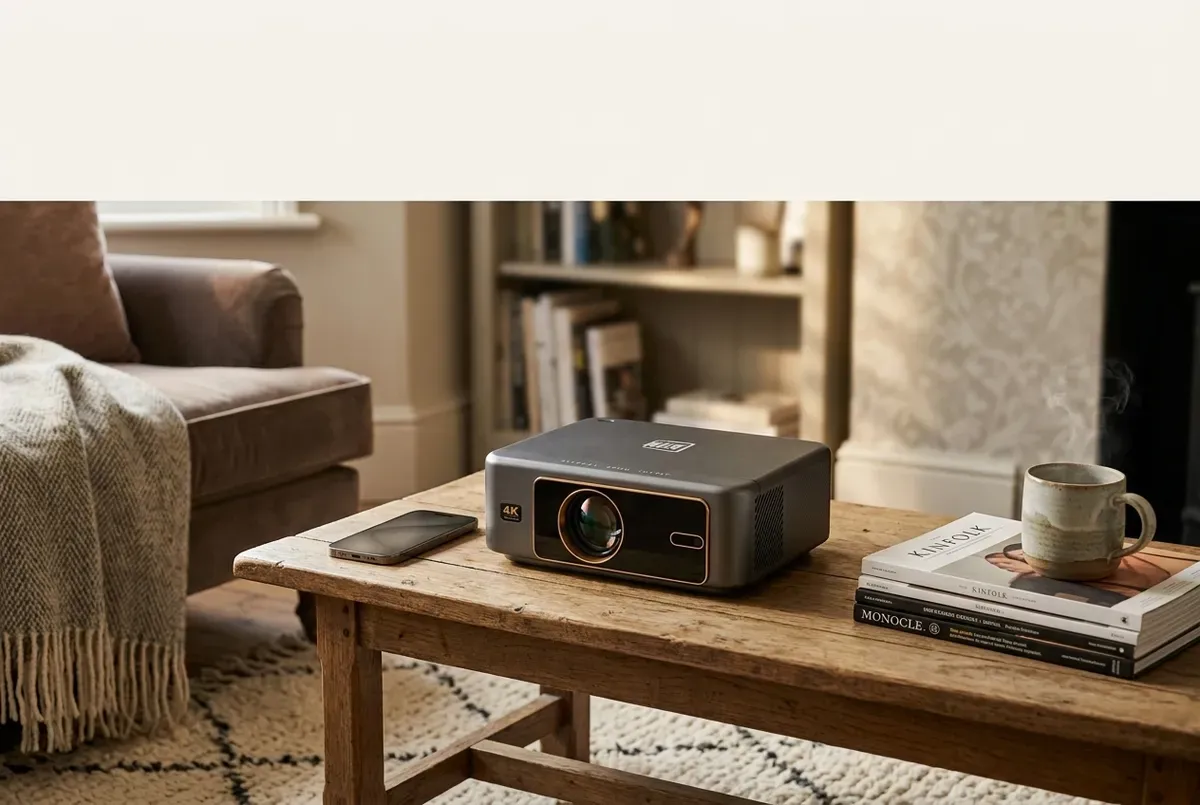
The Veho Quda PJ-1 outputs at 1280 × 720, is rated at 150 ANSI lumens, uses a 1.2:1 throw over a published 1.4–4 m range, and weighs 840 g. It accepts higher-resolution content, but that does not raise native output; protected streaming services may also fail over Wi-Fi mirroring.
Veho Quda PJ-1 published specs at a glance
Veho’s current UK product page and global product page were checked on 19 July 2026. The figures below are manufacturer specifications, not independent measurements. Where the two pages use different software wording, the conflict is shown rather than resolved by assumption.
| Specification | Published value | What the source establishes |
|---|---|---|
| Native output boundary | 1280 × 720 | Veho labels this “output resolution”. It is separate from supported input and media playback. |
| Brightness | 150 ANSI lumens | A published rating only; it is not a result measured for this article. |
| Throw | 1.2:1 throw ratio; 1.4–4 m projection distance | Use both fields to check whether the intended room can accommodate the projector. |
| Speaker | 3 W | The number does not establish stereo channels, loudness or sound quality. |
| Weight | 840 g | Use the published mass for storage, carrying and support checks. |
| Wireless | Wi-Fi 6; 2.4 GHz and 5 GHz bands; Bluetooth v4 audio-out | Bluetooth is specified for audio output, not as a general video-input route. |
| Physical connections | HDMI, USB and 3.5 mm audio | The official VPJ-001-G manual identifies each connection and explains source selection. |
The two official product pages corroborate these core values. They do not establish how the projector will look or sound in a particular room, and the 3 W field must not be expanded into a channel-layout claim.
Native 720p output is separate from 1080p support and 4K playback
1280 × 720 is the published output
For an output-resolution check, 1280 × 720 is the controlling figure. BenQ’s current native-versus-supported resolution explanation (accessed 19 July 2026) describes native resolution as the display’s physical pixel count and supported resolution as a signal translated to that display. That general definition does not prove a Veho processing method, but it explains why the separate fields must not be combined.
1920 × 1080p is listed as supported resolution
Veho’s product table separately lists 1920 × 1080p as “supported resolution”. A compatible 1080p source may therefore be accepted or processed, but the published output remains 1280 × 720. The presence of a Full HD source, HDMI device or 1080p file cannot turn the projector into a native 1080p display.
4K appears in the media-playback list, not the output field
The official supported-media list includes AVC 4K at 30 fps. This is a file-decoding or playback statement. It does not replace the 1280 × 720 output specification, prove support for every codec profile or bitrate, or establish native 4K projection. Buyers who require a native 1080p or 4K image should treat the PJ-1’s published output as a non-match, regardless of the source-file label.
On-device apps and phone mirroring are different flows
Flow one: run an app on the projector
The official manual tells users to open the Google Play Store from the projector’s home screen, sign in, search with the remote and install an app. It then says to launch an installed app from the Applications option. In this flow, playback is requested by software running on the projector; the phone is not supplying a mirrored image.
Those instructions are not a promise that any named service is currently installed, licensed for this hardware, compatible with the present software or permanently available. Check the required service with Veho and the service provider before purchase. Account, subscription and regional terms remain separate from the projector specification.
Flow two: mirror a phone over Wi-Fi
Wi-Fi screen mirroring sends a phone’s screen to the projector rather than opening the projector’s own copy of an app. Veho’s manual explicitly warns that Netflix, Disney+ and other third-party streaming services may not work through this route because of content-protection or licensing restrictions. It directs users towards apps on the projector, but that direction still does not guarantee a named app.
Mirroring may therefore be a candidate for compatible, unprotected content, but it should not be the purchase assumption for a protected subscription service. HDMI is another separate input route. The manual explains how to select HDMI after connection, yet the source device, cable and service must still be compatible.
Android 11 and Android TV are both current first-party wordings
The UK product page says Android 11. The global page and official manual say Android TV. Even the UK page contains mixed Android wording in its current copy. This guide reports the discrepancy and does not infer certified Android TV, Google TV or any other certification. Ask Veho to confirm the current software build, update path, store access and required app before relying on the label.
Set up the PJ-1 using the official manual
- Place and power it: the manual says to use a flat surface, connect power, fit two AAA batteries in the remote, switch on and wait for the home screen.
- Check the room first: keep the intended lens-to-surface position within Veho’s published 1.4–4 m range and verify that the resulting image fits the available surface and seating layout.
- Focus and align: turn the focus wheel slowly to sharpen the centre, then allow the automatic keystone process to complete; the manual says this may take one to two minutes. Reposition the projector if the automatic trapezoid setting still leaves a distorted image.
- Connect Wi-Fi: open Settings, choose Wireless Network, enable Wi-Fi, select the network and enter its password.
- Select one playback route: launch an on-device app, select the HDMI icon after connecting an HDMI source, or open Files after inserting USB storage. Veho specifies FAT32 for USB storage.
- Choose audio deliberately: use the 3 W internal speaker specification as a baseline only. The manual also lists 3.5 mm external audio and Bluetooth speakers; the product table limits Bluetooth v4 to audio-out.
Measure the complete layout rather than relying on correction controls to solve placement. The portable projector screen UK guide covers surface size and format, while the portable projector tripod stand guide covers tray fit, supported load, ventilation and cable routing. Neither link asserts automatic compatibility with the PJ-1.
Match the published limitations to the intended buyer
A flat, bedroom, student room or rented space should not be assumed to fit merely because the unit weighs 840 g. Mark the available 1.4–4 m projection line, account for the projector body and cables, and confirm that people can move around the support. If the minimum distance cannot be achieved, or the image and seating do not fit, portability does not solve the geometry.
Brightness also needs a room-specific decision. Veho publishes 150 ANSI lumens but no room result in the cited material. Epson’s UK projector buying guide (accessed 19 July 2026) explains that brightness choice depends on the viewing environment and image size. Its model guidance is not a Veho result. Control the intended light conditions and seek comparable evidence for the exact image size rather than assuming that one published number guarantees daytime or large-image performance.
- Potential match: native 720p output is acceptable; the room fits the stated throw range; protected streaming is not dependent on phone mirroring; and the required source and audio routes are confirmed.
- Pause and verify: a particular app, software certification, USB file, HDMI source or wireless device is essential. Obtain current compatibility confirmation rather than relying on a category label.
- Published non-match: the requirement is native 1080p or 4K output, a position outside the 1.4–4 m range, or guaranteed protected-service mirroring.
For comparisons beyond this exact model, use the 4K projector buying guide to assess native output, accepted input, brightness and room fit without transferring the PJ-1’s specifications to another projector.
Frequently asked questions
What is the Veho Quda PJ-1's native output resolution?
Veho publishes an output resolution of 1280 × 720. Its separate 1920 × 1080p supported-resolution field and its 4K playback wording describe content the projector can accept or decode, not a higher native image. The displayed output remains 1280 × 720 according to the published specification.
Does 1080p or 4K playback mean the Quda PJ-1 outputs 1080p or 4K?
No. The official product table separates 1280 × 720 output from 1920 × 1080p supported resolution, while its media list includes AVC 4K at 30 fps. Supported input or file decoding must be translated to the projector's 1280 × 720 output; it does not create native 1080p or 4K projection.
Can the Quda PJ-1 mirror Netflix or Disney+ over Wi-Fi?
Not reliably according to Veho's manual. It says Netflix, Disney+ and other third-party services may not work through Wi-Fi screen mirroring because of content-protection or licensing restrictions. Veho directs users to on-device apps instead, but that instruction does not guarantee that any named app is installed, licensed, compatible or permanently available.
Is the Quda PJ-1 described as Android 11 or Android TV?
Veho's current UK product page says Android 11, while the global product page and official manual say Android TV. Because Veho's first-party wording conflicts, this guide reports both labels and does not infer Google certification. Confirm the current software, store access and required app compatibility with Veho before purchase.
Ready to transform your home with Beamora?
Upgrade My Home Cinema — £332.22