4K Projector Buying Guide for UK Homes

ANSI Lumens Explained: How Bright Does a Projector Really Need to Be?
Dark room, drawn curtains or daylight — the ANSI lumen numbers you really need for UK rooms, why listings inflate them, and our published bench method.
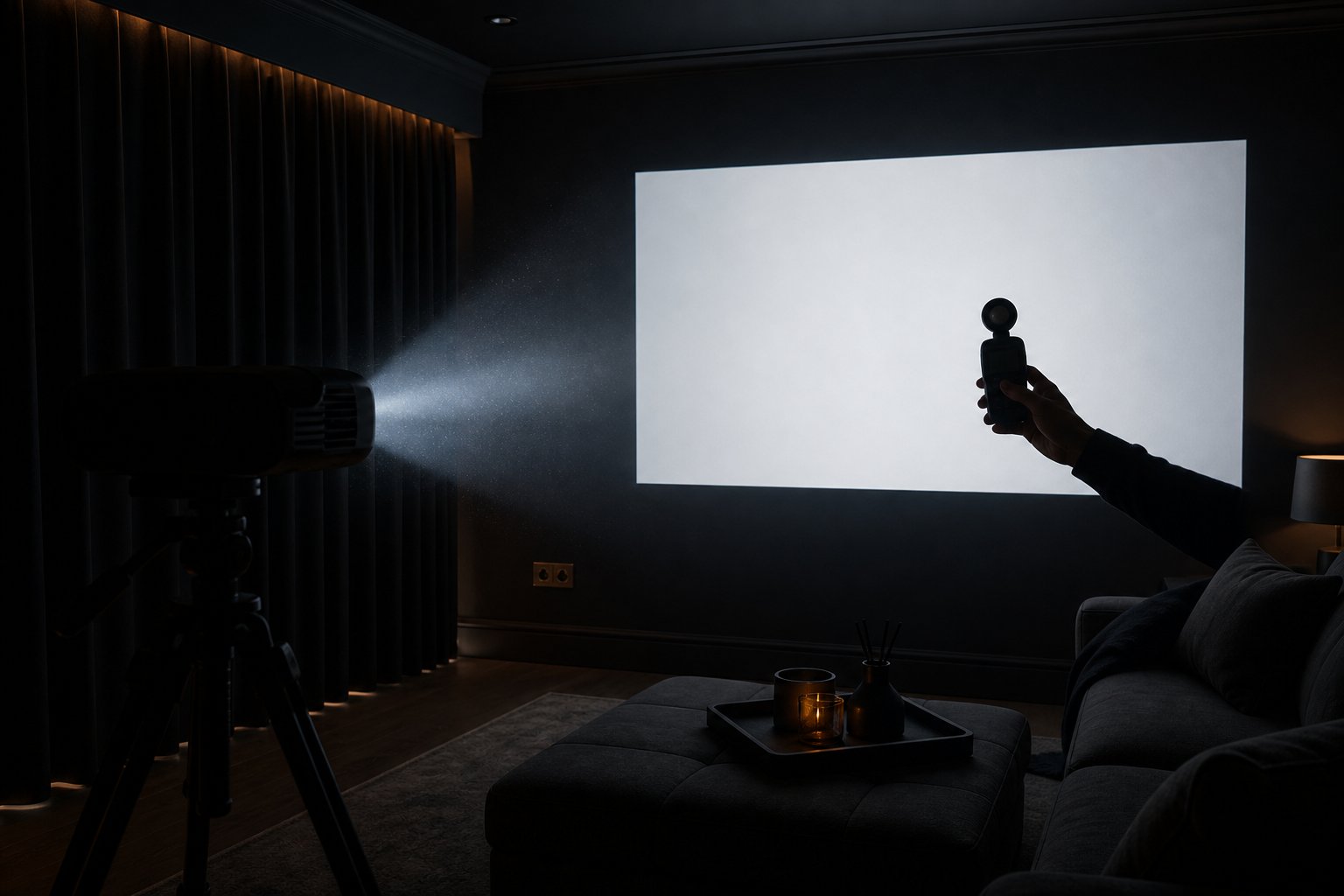
For a blacked-out room, 1,000–1,500 ANSI lumens gives a vivid 100-inch picture. A living room with drawn curtains and some lamp light needs 1,500–2,500. Genuine daytime viewing with windows uncovered demands 3,000 ANSI lumens or more — territory no compact smart projector under £500 honestly reaches. Here is how to apply those numbers to your room.
First, the trap: not all “lumens” are lumens
Projector listings quote brightness three different ways, and only one of them is useful to you.
Marketing lumens are unstandardised. A £90 listing shouting “9500 Lumens!!” is usually quoting the raw output of the LED itself — or nothing measurable at all. Light-source lumens at least describe the diode, but most of that light never reaches the wall; optics eat a large share. ANSI lumens (and the closely related ISO 21118 standard) are measured off the projected image itself, averaged across nine points of a white test pattern. That is the number your eyes will actually experience.
The projector community has learned this the hard way. In one r/projectors thread about garden movie nights, a user who has bench-tested machines across two summers put it bluntly: what holds up at dusk is “3000 ANSI or above — not marketing lumens, actual tested ANSI. Big difference honestly.” Another thread asked whether 700 ANSI was enough for a first bedroom projector — the answers, correctly, were “at night, yes; in daylight, no”.
The rule of thumb: if a listing does not say “ANSI” or “ISO”, assume the number is 5–10× inflated. And even when it does say ANSI, an honest brand should be willing to show its measurements. We publish ours: the Beamora Ultra is rated at 1,200 ANSI lumens, and we are putting bench figures behind that claim — a nine-point measurement in standard and eco modes with centre lux at 80, 100 and 120 inches, published on our test-report page with method and photographs as soon as it comes off the bench.
The brightness table for real UK rooms
Brightness needs depend on two things: ambient light and image size. Light output is spread across the picture area, so the same projector is dimmer per square inch at 120 inches than at 80. Combining the standard industry guidance into one table:
| Room condition | 80–100 inch image | 100–120 inch image |
|---|---|---|
| Blackout (night, blinds down) | 1,000–1,500 ANSI | 1,500–2,000 ANSI |
| Evening, curtains drawn, a lamp on | 1,500–2,500 ANSI | 2,000–3,000 ANSI |
| Daytime, curtains open | 3,000+ ANSI | 4,000+ ANSI |
Three practical observations from that table:
- Evening viewing is the honest home of the sub-£500 class. At 1,000–1,500 real ANSI lumens — where most genuine measurements in this bracket land — you get a rich, saturated 100-inch picture once the curtains are drawn. That is not a compromise; it is what cinemas do. It is also exactly how we describe the Beamora Ultra: films, sport and gaming for evening home cinema.
- “Daytime capable” claims at this price are marketing. Physics does not negotiate. A sunny UK window delivers thousands of lux onto your wall; overpowering it takes the kind of light cannon that costs four figures and sounds like a hairdryer. If daytime viewing is your main use case, either budget far beyond £500, or accept drawn curtains — or buy a TV.
- Contrast matters as much as raw output. A 1,200-ANSI image with a decent sealed optical engine and honest black levels looks better in a dim room than a washed-out 2,000-ANSI image in daylight. Brightness buys you flexibility, not automatically quality.
How to squeeze more out of the lumens you have
Whatever machine you own, four free or cheap moves improve perceived brightness far more than chasing spec-sheet numbers:
- Control the light, not the projector. Blackout curtains are the single best “upgrade” per pound in home cinema. Even heavy standard curtains transform a 1,200-ANSI picture.
- Shrink the image. Dropping from 120 to 100 inches increases brightness per area by roughly 44%. Our home cinema planner does this maths for your exact room and tells you honestly whether the brightness matches your target size.
- Mind the surface. A matte white wall works, but a proper screen with known gain lifts both brightness and colour. We measured the difference — see screen vs white wall under 1,200 ANSI.
- Use the right picture mode. “Standard” or “Cinema” modes usually deliver the rated output; aggressive eco modes can halve it — the exact mode-to-mode delta on our own machine is one of the bench figures we publish rather than estimate.
Answers to the questions people actually ask
Is 1,200 ANSI lumens good enough? For evening and darkened-room viewing at up to ~120 inches, yes, comfortably. For a bright conservatory at noon, no — and no honest seller will tell you otherwise.
Why does my “8000 lumen” projector look dim? Because that number was never ANSI. Divide wild marketing figures by five to ten for a realistic estimate, then check the table above.
Do I need more lumens for sport than films? Not more lumens — more light control. Sport tends to be watched socially, in daytime, with lights on; that is an ambient-light problem. Drawn curtains at 3pm do more than an extra 500 ANSI ever will. (For evening kick-offs watched with the curtains drawn, 1,200 ANSI holds up well.)
Does 4K need more brightness than 1080p? Resolution and brightness are independent. What does need brightness headroom is HDR content, which is one reason HDR on any sub-£500 projector — ours included — should be treated as a nice-to-have rather than a buying reason. We explain that honestly in our native 1080p and 4K decoding guide.
The bottom line
Buy for the room you have, not the showroom fantasy. Count only ANSI or ISO figures, assume evening use in this price class, and prefer the brand that shows its measurements over the one that shouts the biggest number. For a checklist covering the other four specs that matter — resolution, streaming licences, light source and seller behaviour — continue with our serious buyer’s guide to projectors under £500.
Ready to transform your home with Beamora?
Upgrade My Home Cinema — £332.22