Projector setup rented flat no drilling UK
Direct answer: prefer freestanding placement and reversible cable control
For a projector setup rented flat no drilling UK households can rely on, choose freestanding placement—tripod, shelf or table—plus reversible cable control rather than drilled ceiling mounts. That approach keeps the picture flexible, protects your deposit and matches how many UK renters already run put-away cinema setups with auto-keystone and temporary blackout options. Before you buy hardware, check the current product details on the listing page rather than assuming brightness, resolution or app compatibility.
Lease/landlord checks before any fixture
Read your tenancy agreement for rules on wall fixtures, adhesive products and alterations. If anything is unclear, ask the landlord or agent in writing before you attach anything—even “temporary” hooks or heavy-duty strips. Do not treat informal advice as legal certainty about lease clauses; permission in writing is safer than assuming a clause allows drilling or adhesive mounts. Never recommend or fit anything that could exceed an adhesive mount’s stated weight limit; when in doubt, skip adhesives and stay freestanding.
Tripod/shelf/table options vs ceiling mounts
Tripods, freestanding stands and careful table or shelf placement avoid ceiling holes and usually reduce deposit risk compared with drilled mounts. Pair that with reversible cable management—clips that remove cleanly, cable ties you can cut away, or routed leads that leave paint and plaster untouched.
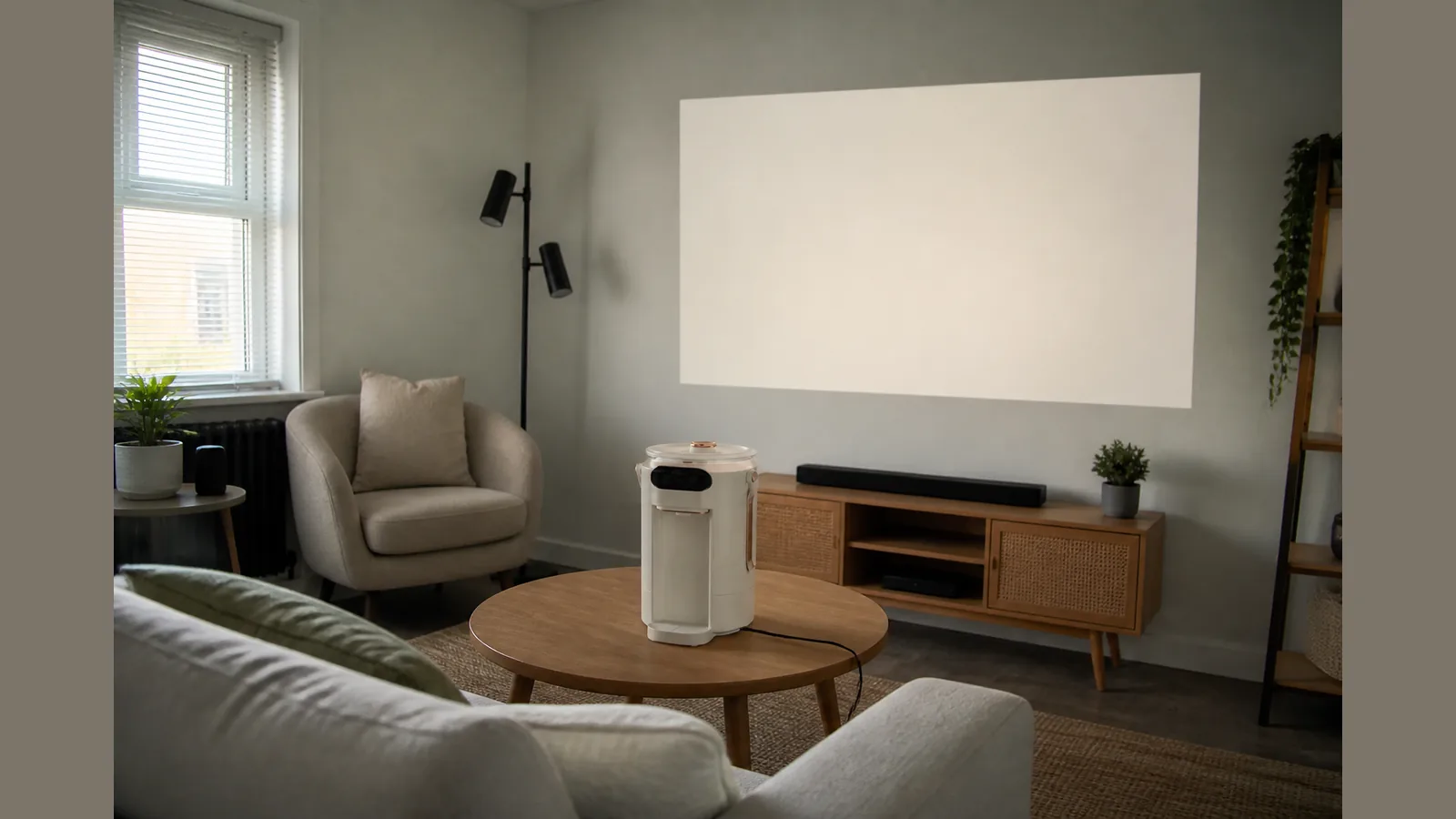
Placement still matters optically. Throw ratio links viewing distance to screen width, so measure from your stand or table to the wall before you settle on size. Table and stand placement suits rentals and temporary setups because you can move the unit when guests arrive or when you need the room back. Ceiling mounts can look tidy, but they typically need landlord approval, tools and permanent fixings—poor fit for most rented flats.
Portable screen and temporary blackout ideas
A portable or freestanding screen keeps the wall unmarked and packs away when you are not watching. If you project onto a pale wall, keep the surface clean and free of textured décor that softens the image.
- Use temporary blackout: portable blinds, thick curtains or a removable blackout panel rather than fixed window alterations.
- Dim lamps and close doors to cut ambient light without changing the fabric of the flat.
- Store the projector and screen between sessions so the living room returns to normal use.
Features such as auto-keystone help when the unit sits slightly off-centre on a shelf or tripod; confirm what your chosen model offers on its product page before you rely on them.
Who should still choose a TV
A television may still be the better daily screen if you need always-on brightness in a bright room, fixed app behaviour you have already verified on a TV platform, or a setup that must work without measuring throw distance. Projectors shine for occasional big-picture nights and flexible room layouts; they ask more of lighting control and placement. Claims about 4K, HDR, DRM, licensed apps or platform compatibility should be checked on the live product page only—do not treat marketing copy from elsewhere as confirmed.
FAQ
Can I mount a projector in a rented flat without drilling?
Yes, in practice many renters use freestanding tripods, shelves or tables with no wall or ceiling holes. Confirm any adhesive or fixture plans with your lease and landlord first.
What is the safest cable approach for a deposit?
Prefer reversible cable management that leaves no marks—tidy runs along skirting with removable clips, or short leads from a nearby socket—rather than staples, nails or drilled cable channels.
Do I need a fixed screen?
No. A portable screen or a suitable plain wall plus temporary blackout is enough for many flat setups, provided you can control ambient light.
Where should I confirm Beamora specifications?
Only on the current product details page. Live copy can vary between sections, so verify brightness, resolution and software claims there before you decide.
Ready to compare a put-away, no-drill living-room layout? View current Beamora Ultra Smart Projector details and match throw distance, placement and features to your flat before you commit.